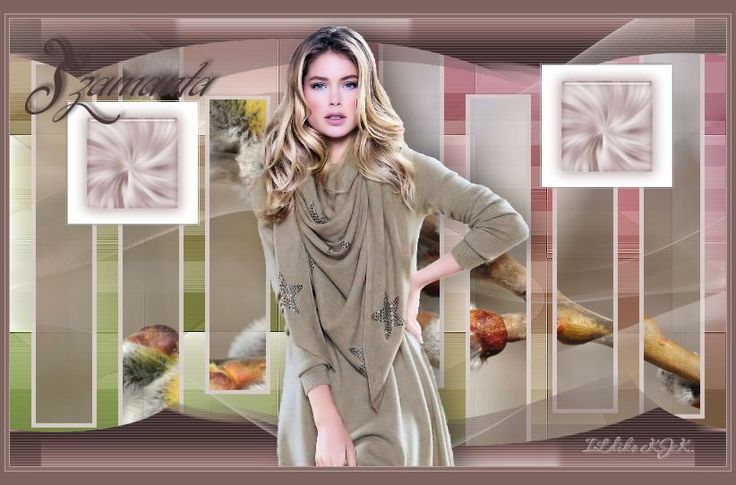
Szamanta

The materials used are owned by Ildiko KJK exclusive, non-used by other authors in writing or club.
Please try to respect my request : Thank You
A felhasznált kellékek saját tulajdonom, én magam készítettem, más weboldalon sajátként feltüntetni TILOS !
Translations
Thank you for the work of the translators.

Grazie per il vostro lavoro e la traduzione Byllina : IT


Plugin
Flaming Pear : Flexify 2
VanDerLee : UnPlugged X
Filters Unlimited 2 :
[AFS IMPORT] : CHGRAD
Alf's Power Sines : 2 Tan Grads
Mock : Bevel
Tramages : Woffle
Kellékek
"Szamanta selection 1" .... "Szamanta selection 2"
"Szamanta deco 1" .... "Szamanta deco 2"
"Szamanta deco 3" .... "Szamanta fantazianev"
"Szamanta noci+arnyek" .... "Szamanta flower"
"Szamanta szinminta"
Download « Szamanta kellekek.rar »
Szín

Foreground : #835138

Backgound : #ffffff
01.
File : New : 800x500 pixel
Flood Fill Tool : #835138
Effects : Plugins : Filters Unlimited 2 : [AFS IMPORT] : CHGRAD

Layers : Duplicate
02.
Effects : Plugins : Filters Unlimited 2 : Alf's Power Sines : 2 Tan Grads

Effects : Edge Effects : Enhance
Layers : Duplicate
03.
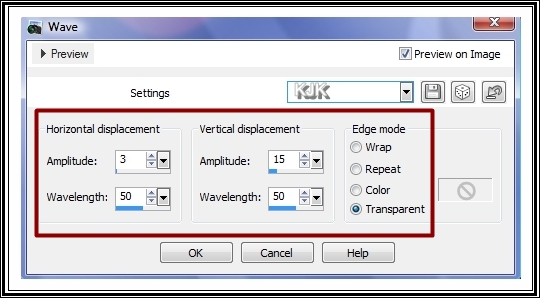
Effects : Distortion Effects : Wave
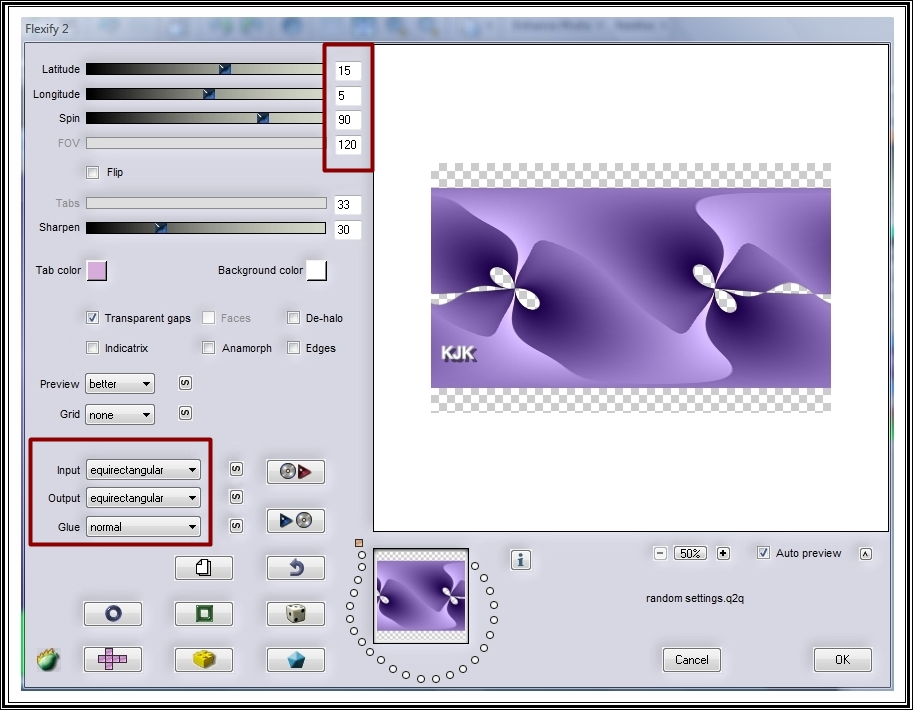
Effects : Plugins : Flaming Pear : Flexify 2


Effects : Edge Effects : Dilate
Layers : Properties : Normal : 70
Layers : Merge : Merge Down
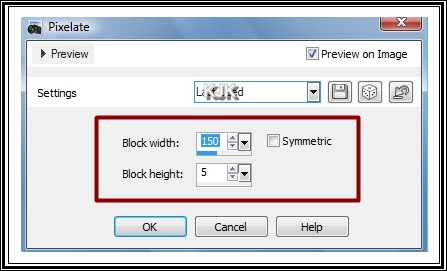
Effects : Distortion Effects : Pixelate
Effects : Edge Effects : Enhance
Layers : Properties : Normal : 70
Layers : Merge : Merge Visible
Effects : Texture Effects : Weave

Effects : Edge Effects : Enhance
Most így néz ki a képed :
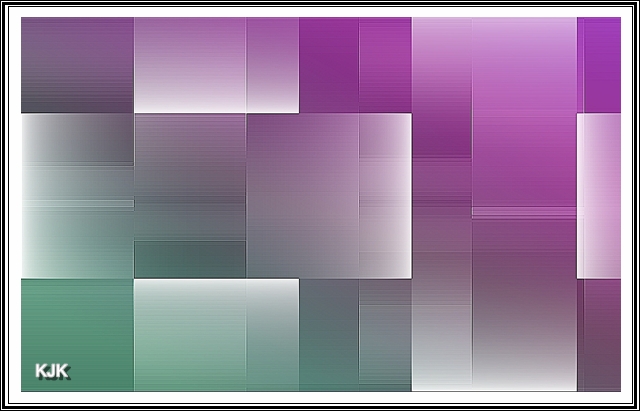
Layers : Duplicate
04.
Effects : Plugins : VanDerLee : UnPlugged X
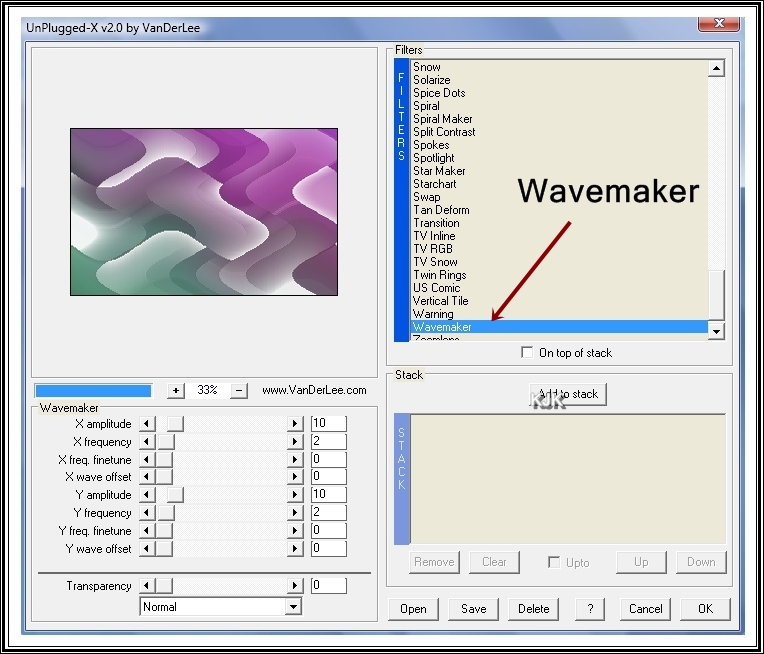
Effects : Plugins : Filters Unlimited 2 : Mock : Bevel

Layers : Properties : Multiply : 30
05.
Layers : New Raster Layer
Flood Fill Tool : #ffffff
Selections : Load/Save Selection : Load Selection From Disc : "Szamanta selection 1"

Effects : Plugins : Filters Unlimited 2 : Tramages : Woffle
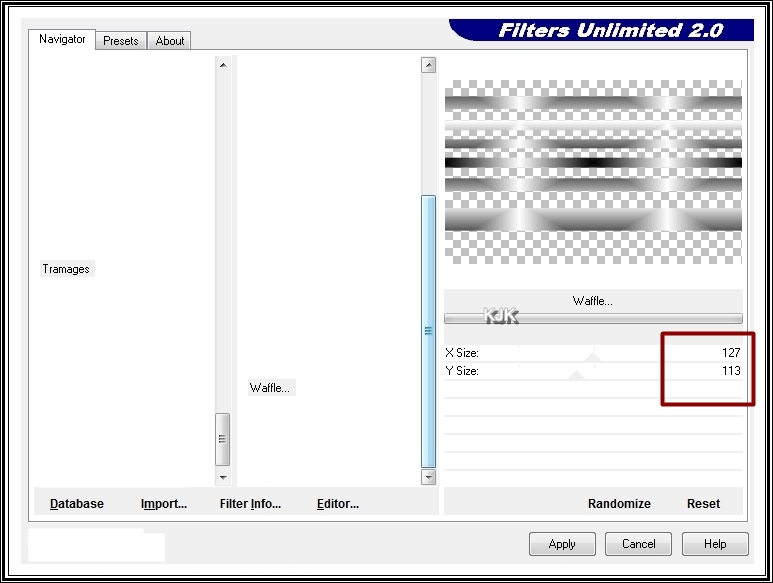
Layers : Properties : Screen : 45
06.
Layers : New Raster Layer
Flood Fill Tool : #457c65
Selections : Load/Save Selection : Load Selection From Disc : "Szamanta selection 2"
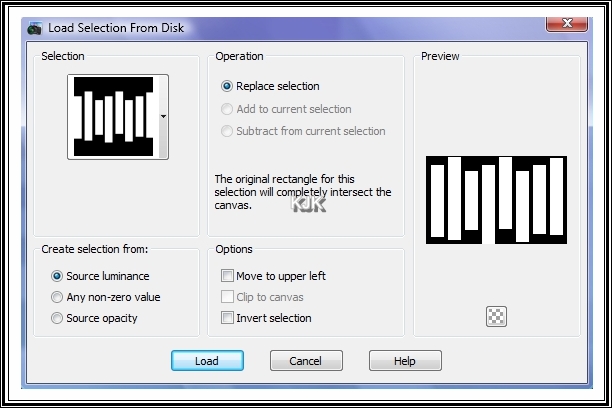
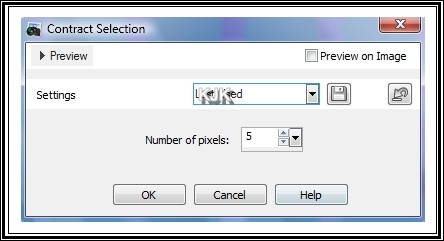
Selections : Modify : Contract : 5
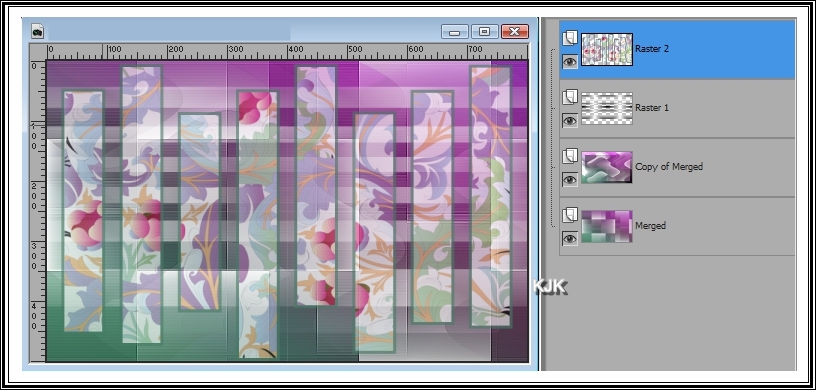
Most be másoljuk a kijelőlt részbe a "Szamanta flower" png. képet.
Edit : Copy
Edit : Paste Into Selection
Selections : Select None
Layers : Properties : Normal : 60
Most így néz ki a képed :
07.
Most rá tesszük képünkre, szépen sórban a png. képeket.
Edit : Copy
Edit : Paste As New Layer
a : "Szamanta deco 1"
Effects : 3D Effects : Drop Shadow : 0/0/60/30/#000000
b : "Szamanta deco 2"
c : "Szamanta deco 3"
Effects : 3D Effects : Drop Shadow : 0/0/60/30/#000000
d : "Szamanta fantazianev"
e : "Szamanta noci+arnyek"
Pick Toll segítségével méretre igazítjuk.
(A rar. mappába levő nőcin már van árnyék !)
Layers : Merge : Merge All (Flatten)
08.
Image : Add Borders : Symmetric : 1 : #aa88a1
Image : Add Borders : Symmetric : 4 : #4c063a
Image : Add Borders : Symmetric : 1 : #aa88a1
Image : Add Borders : #4c063a

09.
Layers : Merge : Merge All (Flatten)
File : Save As : jpg. : Mentés
****
Más színben