
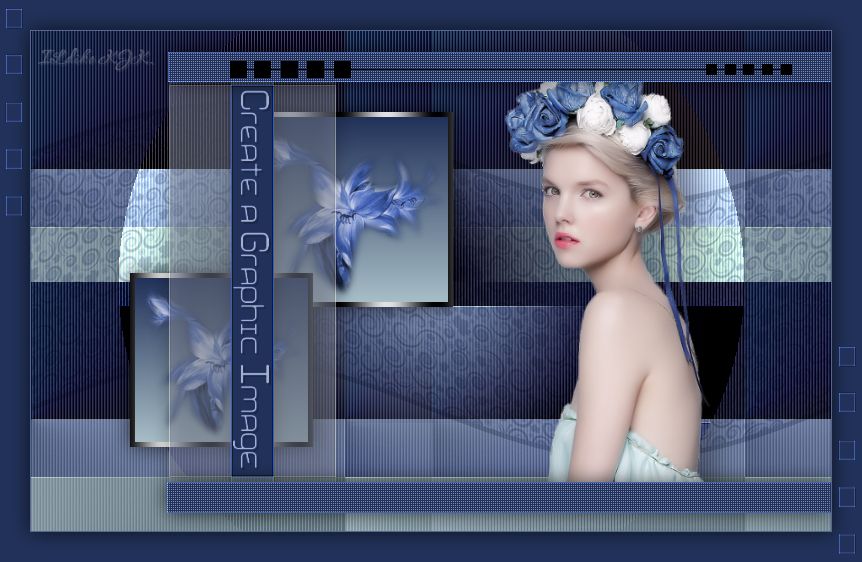
The materials used are owned by Ildiko KJK exclusive, non-used by other authors in writing or club.
Please try to respect my request : Thank You

Translations
Thank you for the work of the translators.


Plugin
Kellékek
"Create Graphic 1 Selection" .... "Create Graphic 2 Selection"
"Create Graphic 3 Selection" .... "Create Graphic 4 Selection"
"Create Graphic 5 Selection" .... "Create Graphic 6 Selection"
"Create Graphic 7 Selection" .... "Create Graphic 8 Selection"
"Create Graphic women + arnyek" .... "Create Graphic flower"
"Create Graphic font" .... "Create Graphic szinminta"
"Create Graphic pattern"
Szín
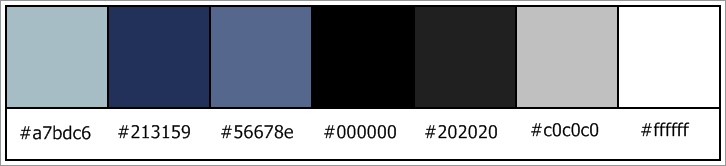
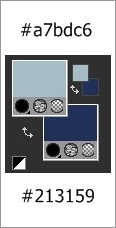
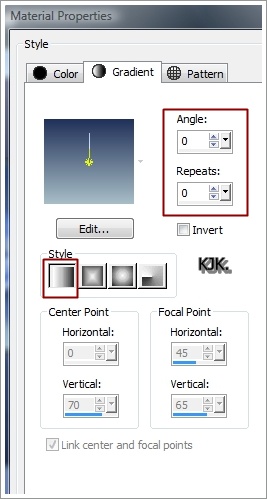
Foreground : #a7bdc6
01.
File : New : 800x500 pixel
Material

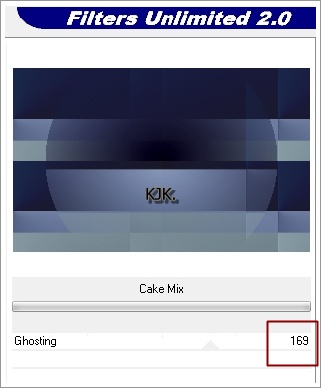
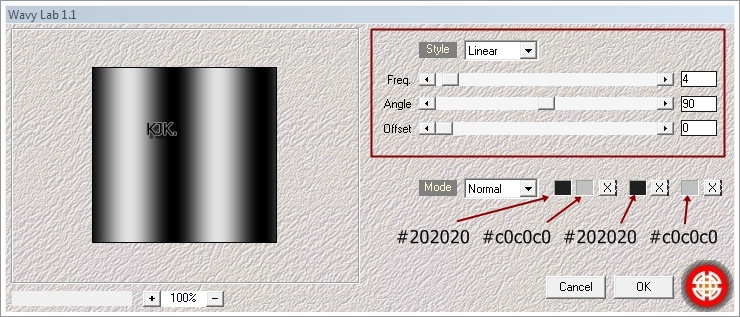
Effects : Plugins : Filters Unlimeted 2 : VM Extravaganze : Picture in a Picture

Effects : Texture Effects : Blinds

02.
Selections : Load/Save Selection : Load Selection From Disk : "Create Graphic 1 Selection"

Selections : Select None
Layers : New Raster Layer
03.
Selections : Load/Save Selection : Load Selection From Disk : "Create Graphic 2 Selection"
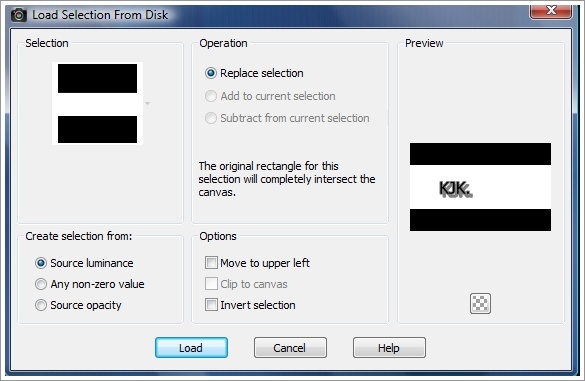
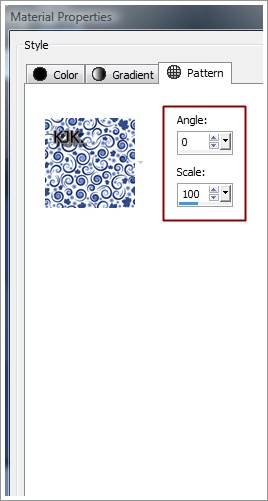
Selections : Select None
Layers : Merge : Merge Down
Effects : Distortion Effects : Wave
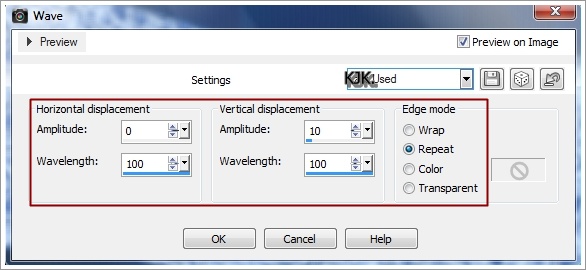
Layers : New Raster Layer
04.
Selections : Load/Save Selection : Load Selection From Disk : "Create Graphic 3 Selection"
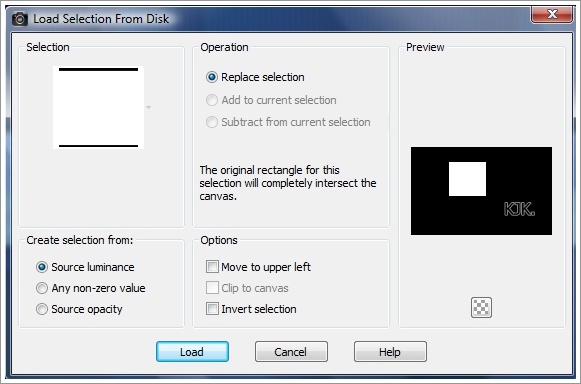
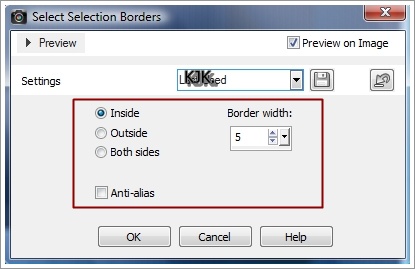
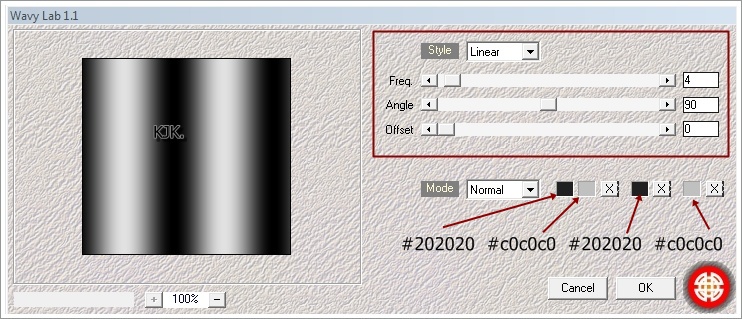
Selections : Load/Save Selection : Load Selection From Disk : "Create Graphic 3 Selection"

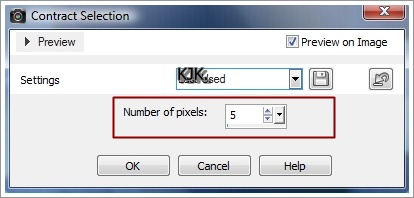
Foreground : #a7bdc6
Material

Most bele másoljuk a képünkbe "Create Graphic flower"
Edit : Copy
Edit : Paste Into Selection
Layers : New Raster Layer
05.
Selections : Load/Save Selection : Load Selection From Disk : "Create Graphic 4 Selection"

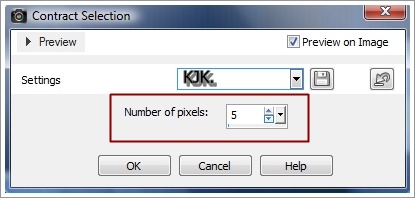
Selections : Load/Save Selection : Load Selection From Disk : "Create Graphic 4 Selection"

Foreground : #a7bdc6
Most bele másoljuk a képünkbe "Create Graphic flower"
Edit : Copy
Edit : Paste Into Selection
Layers : Merge : Merge Down
Effects : 3D Effects : Dropp Shadow : 0/0/65/30/#000000
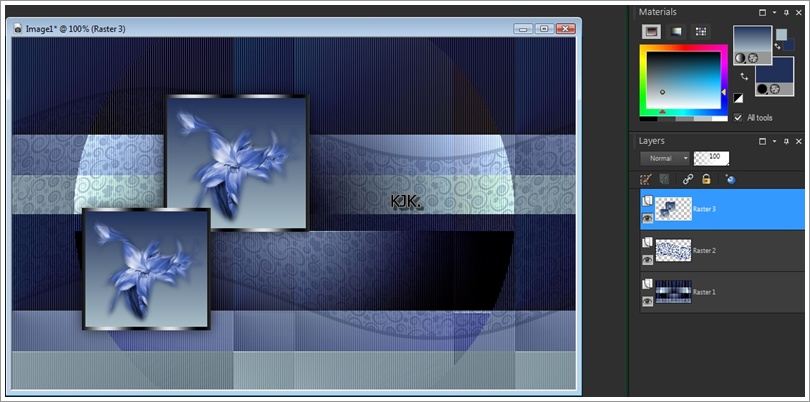
Most így néz ki a képed :
06.
Most rámásolni a képünkre "Create Graphic women + arnyek"
Image Information : 277 x 497 Pixel
Edit : Copy
Edit : Paste As New Layers
Pick Toll segítségével elhelyezzük a képünkre.

07.
Selections : Load/Save Selection : Load Selection From Disk : "Create Graphic 5 Selection"

Selections : Select None
Effects : Edge Effects : Enhance
Effects : Plugins : Filters Unlimeted 2 : It@lian Editors Effect : Effetto Fantasma

Effects : 3D Effects : Dropp Shadow : 0/0/65/30/#000000
08.
Most rámásolni a képünkre "Create Graphic font"
Edit : Copy
Edit : Paste As New Layers
Pick Toll segítségével elhelyezzük a képünkre.

09.
Selections : Load/Save Selection : Load Selection From Disk : "Create Graphic 6 Selection"
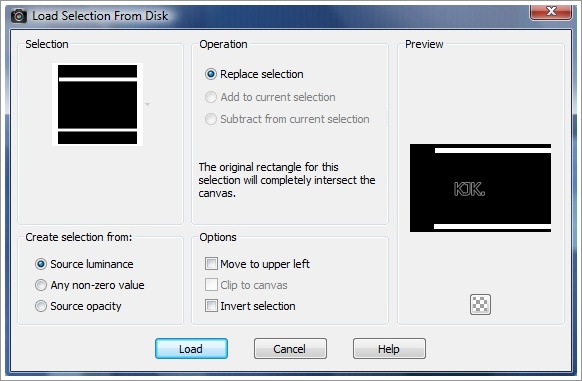
Selections : Select None
Effects : Edge Effects : Enhance
Effects : Plugins : Filters Unlimeted 2 : penta.com : color dot
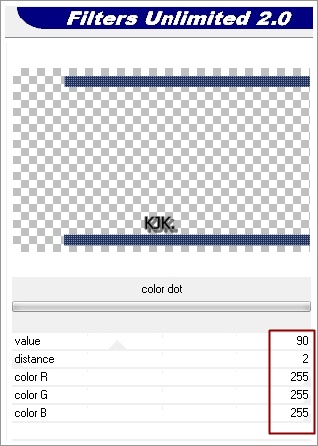
Layers : New Raster Layer
10.
Selections : Load/Save Selection : Load Selection From Disk : "Create Graphic 7 Selection"
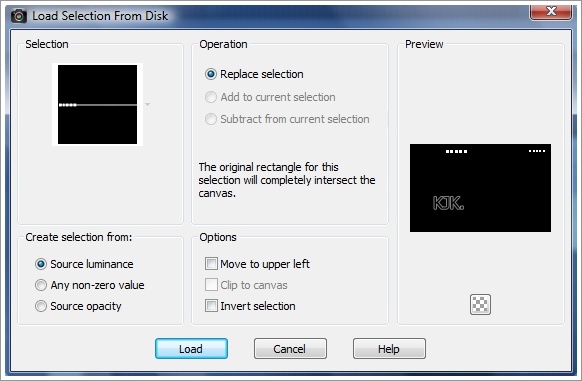
Selections : Select None
Layers : Merge : Merge All (Flatten)
11.
Image : Add Borders : Symmetric : 1 : #56678e
Image : Add Borders : Symmetric : 30 : #213159
Selections : Select All
Selections : Modify : Contract Selection
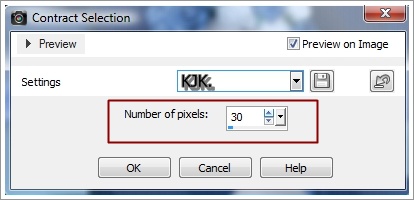
Layers : New Raster Layer
12.
Selections : Load/Save Selection : Load Selection From Disk : "Create Graphic 8 Selection"
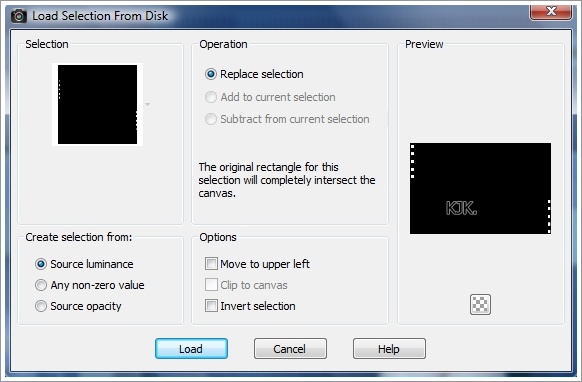
Selections : Select None
Effects : Edge Effects : Enhance
13.
Layers : Merge : Merge All (Flatten)
File : Save As : jpg. file : Mentés